
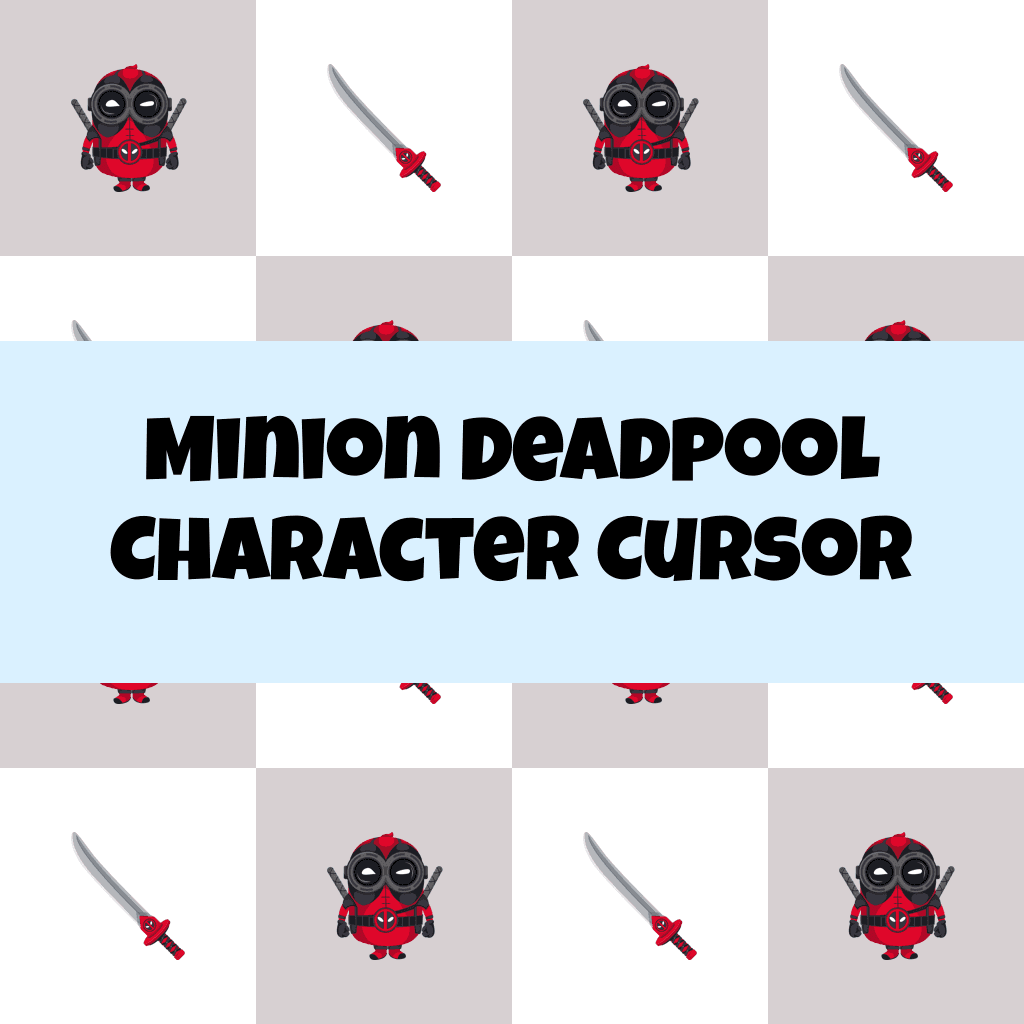
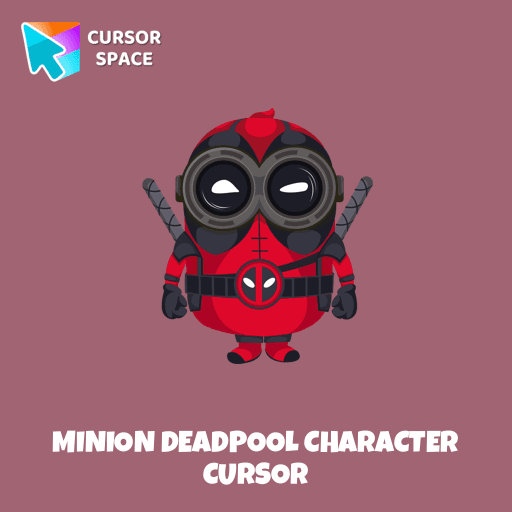
Minion Deadpool Character Cursor
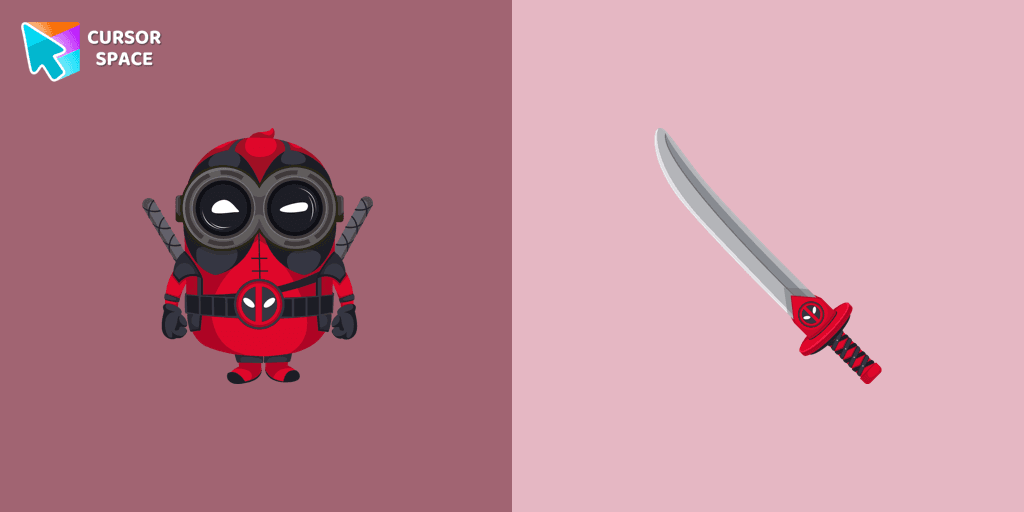
Cursors in the pack

Description
Upgrade your browsing experience with the Minion Deadpool Character custom cursor for Google Chrome! This animated cursor combines the chaotic energy of Minions with the sharp wit and fearless attitude of Deadpool, making it the perfect choice for fans of both franchises. Whether you're scrolling through pages or navigating tabs, this cartoon cursor adds an extra layer of fun and personality to your mouse pointer.
Designed for those who love colorful cursors and themed cursors, this character cursor brings together two iconic worlds—Marvel’s legendary anti-hero and the mischievous yellow Minions. The combination of Deadpool’s red suit, weapons, and signature attitude with the Minions’ goofy expressions and playful nature creates an unforgettable fantasy cursor that stands out on any screen.
More than just a fun cursor, it’s a nostalgic throwback to childhood cartoons, superhero movies, and pop culture icons. Whether you enjoy retro cursors, magic-style designs, or simply want something that makes you smile, this is a must-have addition to your browser cursors collection.
Don’t settle for a boring mouse pointer! Add a touch of superhero action and comedy to your browsing with the Minion Deadpool Character custom cursor. Try it now and let your inner hero (or prankster) shine!
What's included in the package
- Default Cursor
- Pointer (Hand)
How to install a custom cursor pack Minion Deadpool Character Cursor
Install the Cursor Space extension for Chrome or Cursor Space for Edge in your browser.
On this page, click "Add this cursor pack to the extension".
Open the extension and go to the Packs tab.
Find the custom cursor pack "Minion Deadpool Character cursor" and click it.
Enjoy!
Ready to install?
Get this cursor pack and thousands of others by installing our extension. It's fast and free!
About this cursor pack
Minion Deadpool Character Cursor is a themed cursor pack you can add to your browser to personalize your pointer across common cursor states (default and pointer). Use it for everyday browsing, streaming, studying, or gaming-anywhere you want your cursor to match your vibe.
Instant preview
See how the cursors look before installing.
Easy install
Add the pack to the extension in a few clicks.
Works in your browser
Designed for Chrome and Edge via the extension.
FAQ
Quick answers to common questions about cursor packs, collections, and installation.
Do I need an extension?
Which browsers are supported?
How do I switch back to the default cursor?
Collection hits
Installation leaders from "Minion Custom Cursor": free packs, neon/anime/pixel art, quick add to Chrome and Edge.
- TOP 1
Bob the Minion cursor
(135)FreeAdd fun to your browsing with the Bob the Minion custom cursor for Google Chrome. This adorable design brings Bob’s playful charm to your screen.
- TOP 2
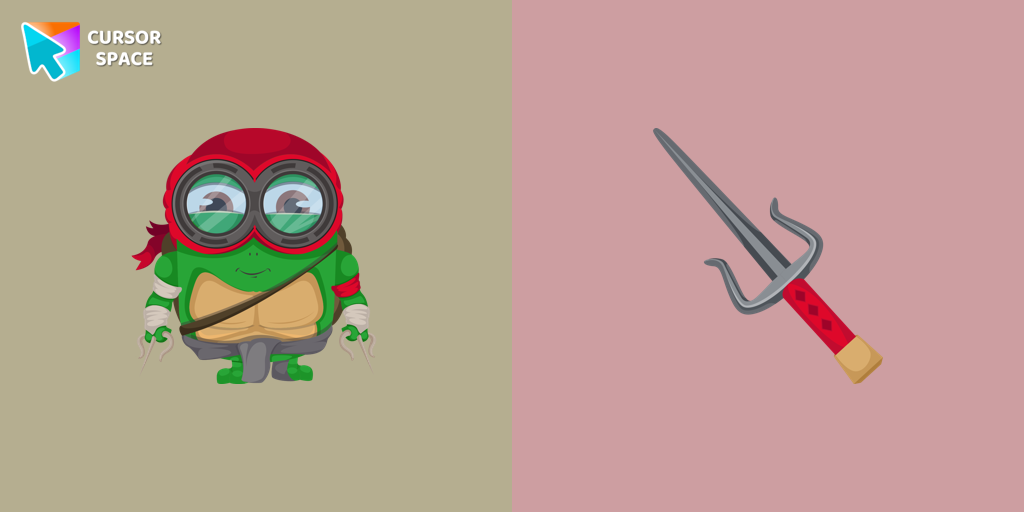
Minion Ninja Turtle Character cursor
(91)FreeTransform your browsing with a custom cursor for Google Chrome! The Minion Ninja Turtle Character cursor combines fun Minions with Ninja Turtle excitement.
- TOP 3
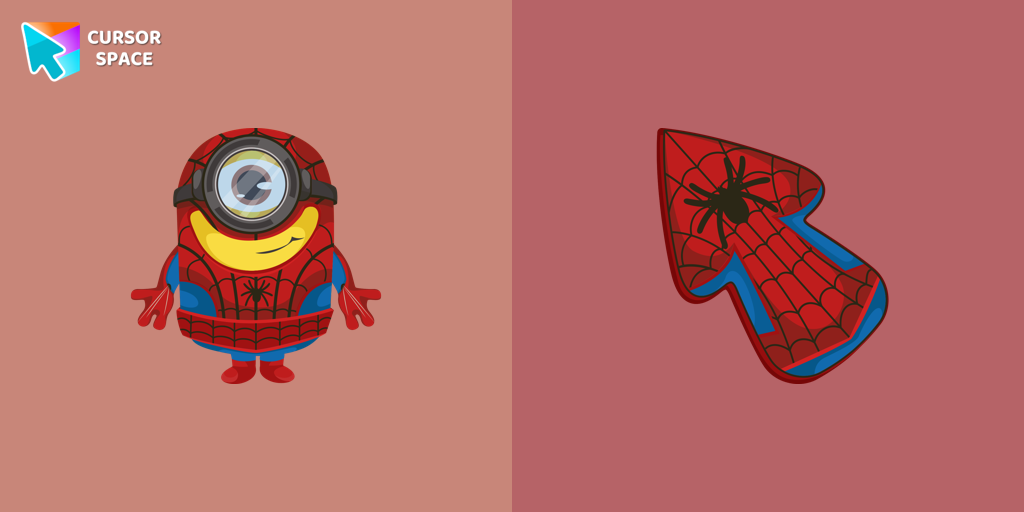
Minion Spider-Man Character cursor
(28)FreeMinions custom cursors collection for Chrome has various art designs skins for characters of the comics that are shown as cursors for browser.
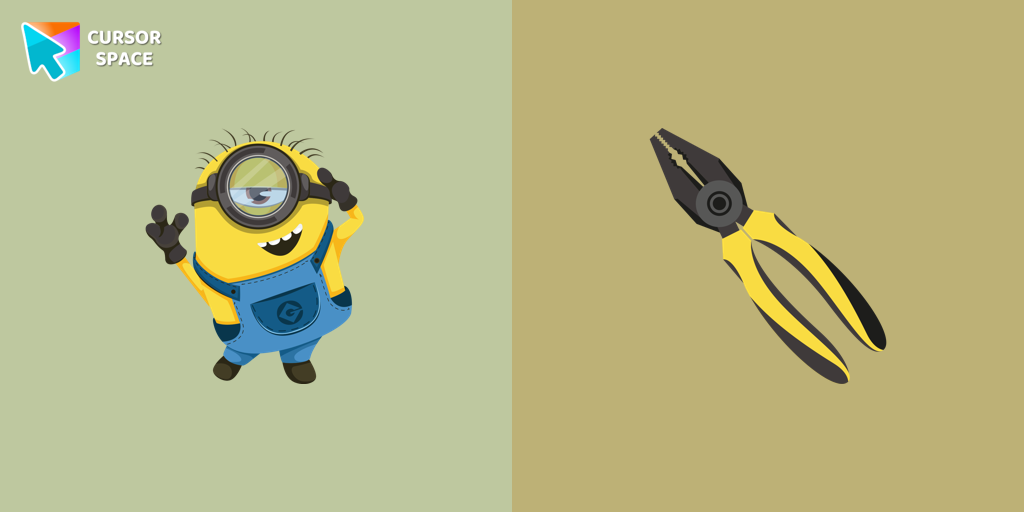
Stuart the Minion cursor
(27)FreeWe suggest you, too, relax while surfing the web with a custom cursor with Stuart the Minion.
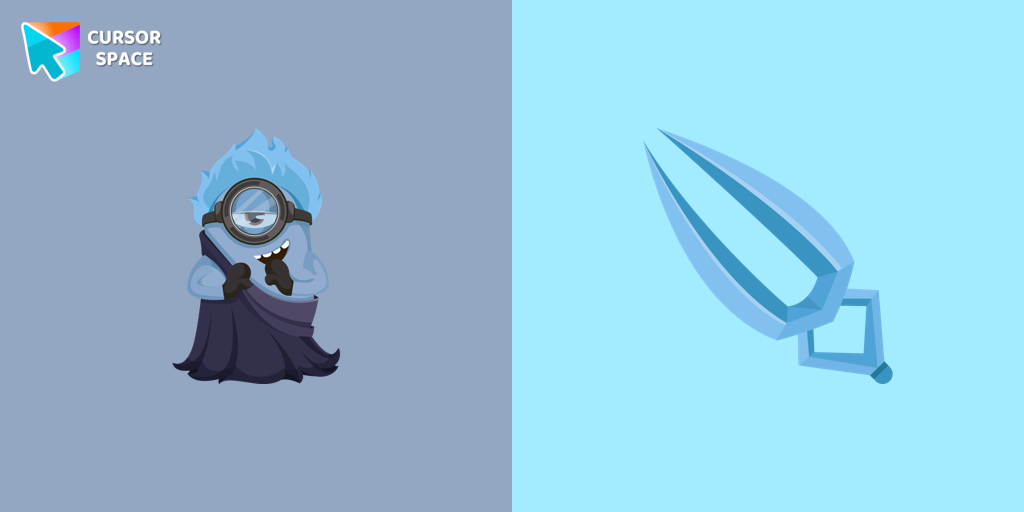
Minion Hades Disney Character cursor
(24)FreeIn our cute custom cursors collection with Minions, we depicted the Minion Hades as a custom cursor for the browser in beautiful graphics.
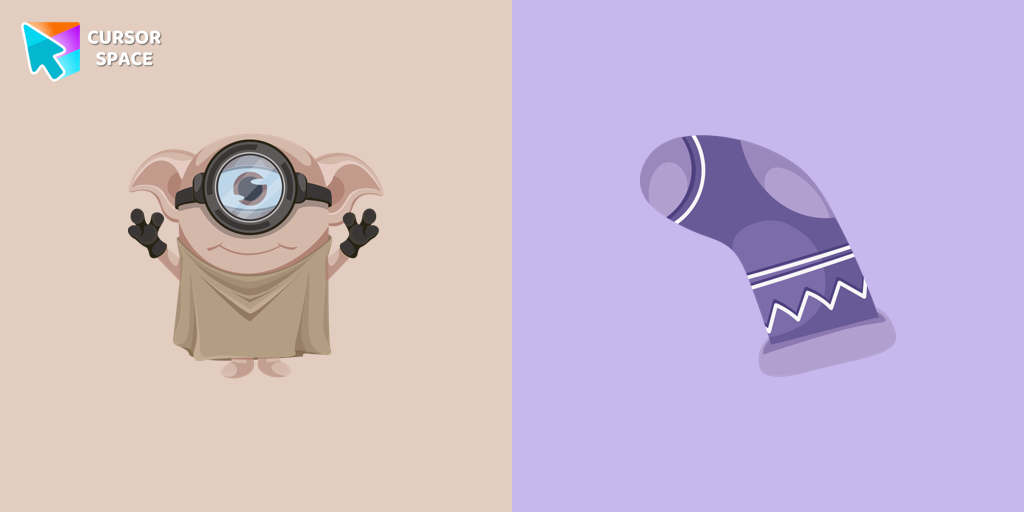
Minion Dobby Character cursor
(23)FreeCute Minion Dobby the house-elf cursor and pointer in our magic custom cursors collection with Minions.
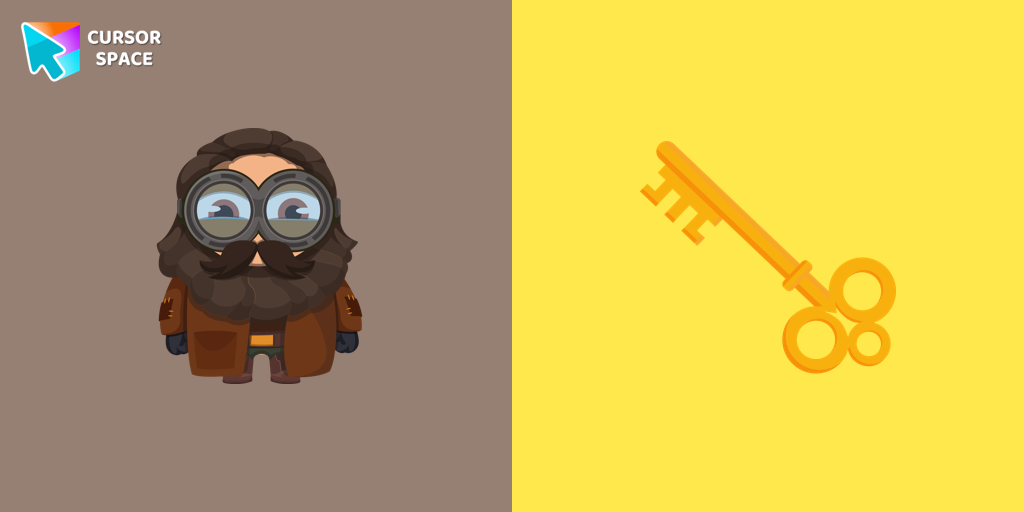
Minion Rubeus Hagrid Character cursor
(21)FreeWell-designed Minion Rubeus Hagrid from Minions custom cursors collection for mouse and pointer.
Install Cursor Space - A Collection of Custom Cursors for Chrome & Edge
Add packs instantly and unlock access to thousands of cursors: neon, anime, pixel-art, and more. Fast, safe, and free.
- Free cursor packs
- HD/HiDPI & animated icons
- Quick browser installation
Cursor Space is an extension for changing your mouse cursor in Chrome and Edge browsers: themed collections, HiDPI icons, neon, animated, and pixel cursors, with quick installation.